
- 4.8 ★from 98 Google reviews
- 25,000+students trained at AdifySkills
- Sector 81Faridabad classroom
- Live onlinesame trainer, same projects
- 5 projectsdesign portfolio
What a Canva course should teach you
Canva is an online design tool that lets you create social media posts, presentations, flyers, videos and more using templates and simple drag-and-drop editing. It is used by students, small businesses, marketers and big teams.
Anyone can open a template. Making designs that look professional needs basic design sense: layout, spacing, colour, fonts and hierarchy, plus knowing how to keep a brand consistent.
This Canva course in Faridabad teaches those basics through real projects. If you want deeper skills in Photoshop, Illustrator and branding, our Graphic Design course builds on it.
Simple Hinglish mein: template copy karna nahi, apni brand ke liye saaf, professional design banana, yahi seekhoge.
Most lessons work on the free Canva plan. We show what Canva Pro adds so you can decide.

Why learn Canva in 2026
Almost every small business, creator and marketing team in NCR uses Canva every week.
Fast to learn
You can make useful designs from the first class.
Used everywhere
Social posts, presentations, flyers and more.
Great for business owners
Make your own posts and offers without waiting.
Canva AI saves time
Generate ideas, images and resizes quickly.
Freelance friendly
Social media design is a common paid service.
A first step into design
Leads naturally into graphic design.
Sound familiar?
If any of this sounds familiar, this course was made for you.
- Your designs look crowded or messy
- Every post looks different from the last
- You use the same templates as everyone else
- Your flyers print blurry or cut off
- You do not know which fonts go together
- You want to design for clients but have no portfolio
Who joins this Canva course
Anyone with a laptop or phone can join. No design experience is needed.
Business owners
Owners who want to design their own posts and offers.
Students
Learners who want a quick, useful creative skill.
Marketers and creators
People who make content every day.
Teachers and trainers
People who make presentations and worksheets.
Who should not join
We would rather tell you now than after you pay.
- You want advanced logo and illustration skills. Choose the Graphic Design course instead.
- You expect a guaranteed job or fixed income. We give placement and freelancing support, not promises.
- You cannot practise at least 5 hours a week.
After this course, you will be able to
Each skill is proven by a project in your portfolio, not by a quiz.

- Use layout, spacing and hierarchy
- Pick colours and font pairs that work
- Build and use a brand kit
- Design posts, carousels and stories
- Make reels covers and YouTube thumbnails
- Design presentations and documents
- Create flyers, cards and banners for print
- Use Canva AI tools well
- Edit short videos in Canva
- Share and export files correctly
The course at a glance
| Course | Canva Course, design basics, social posts, brand kits, print and Canva AI |
| Structure | 5 modules plus a capstone project |
| Mode | Classroom at Sector 81, Faridabad, or live online. Weekday and weekend batches |
| Fee | Shared on call or at the free demo class, with an installment option |
| Language | Hinglish, with English notes and project files |
| Level | Beginner |
| You build | 5 projects for a design portfolio |
| You get | AdifySkills certificate, project files, placement and freelancing support |
| Before paying | Free demo class |
Your learning path, step by step
Five stages. Learn the basics, then design for real uses.
Basics
Layout, colour and fonts.
Module 1Brand
Brand kits and templates.
Module 2Social
Posts, reels covers and thumbnails.
Module 3Business
Presentations and print.
Module 4AI and capstone
Canva AI, video and final project.
Module 5 and capstoneFull Canva Course curriculum: 5 modules and a capstone
Open any module to see every topic and what you build in it. Each topic is something you will use on a real project.
01Design basics in CanvaMake anything look clean
Basic
Topics
- Canva interface and shortcuts
- Layout, alignment and spacing
- Visual hierarchy
- Colour and contrast
- Font pairing
You build
Five redesigns of messy real-world posts.02Brand kits and templatesOne consistent look
Basic
Topics
- Logos, colours and fonts in a brand kit
- Creating your own templates
- Folders and team sharing
- Brand consistency checks
- Avoiding overused templates
You build
A brand kit and five templates for a local business.03Social media designPosts that stop the scroll
Intermediate
Topics
- Posts, carousels and stories
- Reels covers and YouTube thumbnails
- Text on images that people can read
- Resizing for each platform
- Scheduling from Canva
You build
A set of ten social designs and two thumbnails.04Presentations and printBusiness designs
Intermediate
Topics
- Presentations and pitch decks
- Flyers, brochures and visiting cards
- Banners and standees
- Print settings: bleed, margins, PDF print
- Working with local printers
You build
A presentation and a print-ready flyer.05Canva AI and videoWork faster
Advanced
Topics
- Magic Design and Magic Write
- AI image generation and editing
- Background remover and Magic Eraser
- Simple video and reels editing in Canva
- Using AI without losing brand quality
You build
An AI-assisted campaign set with one short video.06Capstone: design a campaign for a businessBrief to finished files
Advanced
Topics
- Pick a real business
- Build the brand kit
- Design social posts, a flyer and a presentation
- Export correctly
- Present to your trainer
You build
A complete campaign design pack.Design tools you will use
Grouped by job. Tools change fast, so we update the list before every batch and teach the ideas that work across all of them.
Canva
Main tool.
- Canva free
- Canva Pro features
- Canva mobile app
Canva AI
Faster design.
- Magic Design
- Magic Write
- Magic Edit
Images
Photos and graphics.
- Canva library
- Free stock sites
Video
Short clips.
- Canva video editor
- CapCut
Files for printers.
- PDF print export
- Colour checks
Next step
Pro design tools.
- Photoshop
- Illustrator
Tool names are trademarks of their owners. AdifySkills is not affiliated with any of these companies.
How you design in Canva
The cycle you practise in every project. Press the button to run it again.
5 projects you build in this course
Real briefs for real kinds of clients. Each one is reviewed by your trainer before it goes into your portfolio.
Five redesigns
Brand kit and templates
Social media design set
Presentation and print flyer
Capstone: campaign design pack
How every class works
Every session follows the same rhythm, so you always leave with something built, not just notes.
See it
The trainer explains one idea and shows it live, mistakes included.
Build it
You build the same thing yourself, in class, with help on hand.
Get feedback
Your work is reviewed on screen: what works, what to fix and why.
Practise it
A short assignment for the week, plus files and notes to keep.
Canva: what is real and what is hype
What Canva is great for, and where you need more.
What works well today
- Fast, clean social media designs
- Brand consistency with brand kits
- Presentations and simple print
- Quick edits with AI tools
- Team sharing and approvals
What still needs skill or care
- Logo design from a template
- Complex illustration and photo retouching
- Professional print jobs without checking settings
- Using AI images without checking rights
- Looking unique with unedited templates
Careers and earning options after the course
Outcomes depend on your effort and the market. These are the paths this training prepares you for.
Social media designer
Design posts and creatives for brands.
Social media executive
Design and post content for a business.
Freelance Canva designer
Design packages for small businesses.
Content creator
Design your own channel visuals.
Marketing assistant
Support a marketing team with designs.
Next: graphic designer
Move on to Photoshop and Illustrator.
Certificate, plus a portfolio that proves your skill
A certificate says you attended. Working projects say you can do the job. You get both.
- AdifySkills certificate of completion for the Canva Course
- 5 documented portfolio projects
- Templates, prompts and project files you can reuse
- Letter of recommendation for strong performers

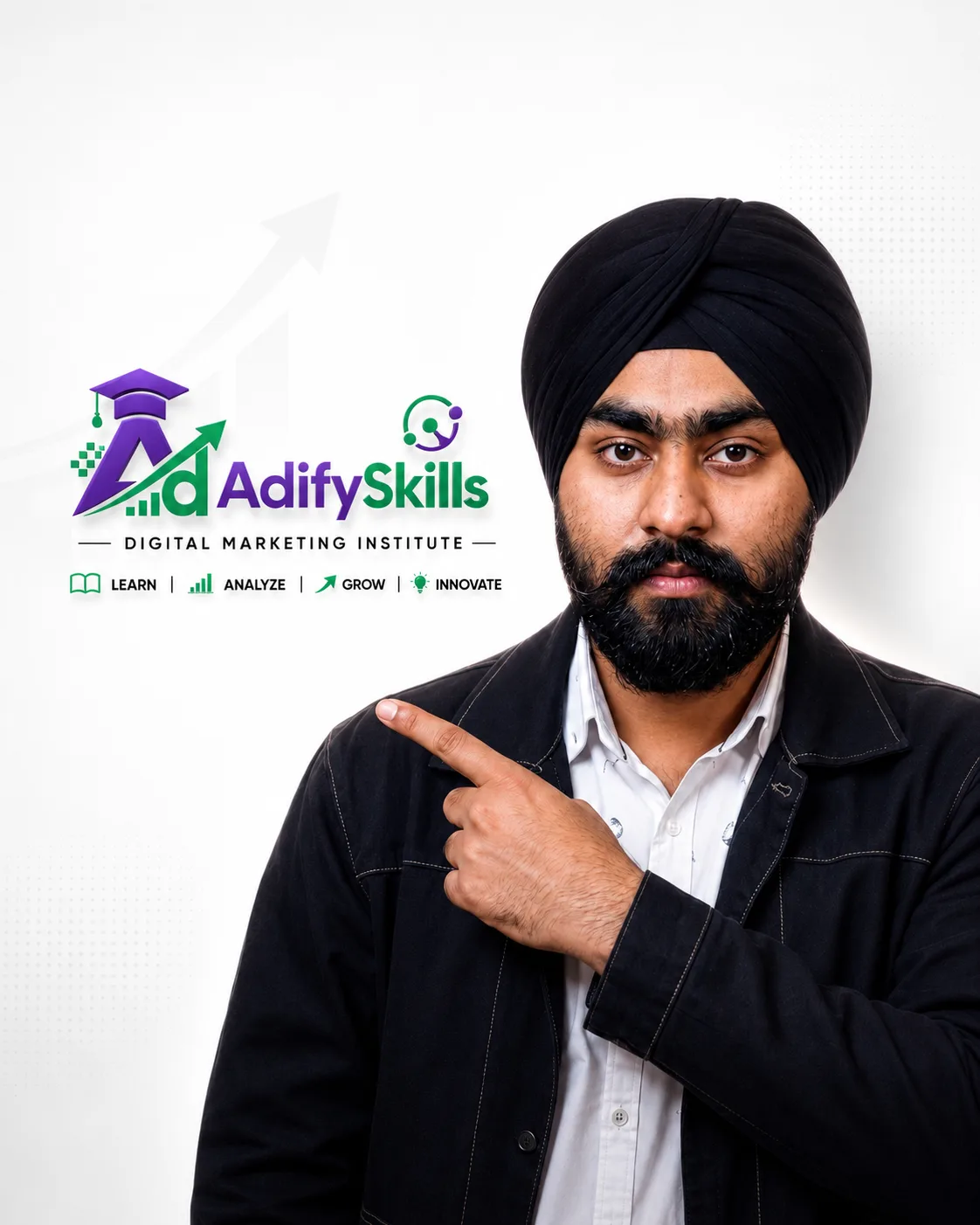
Learn from Charanjeet Singh
Founder and lead trainer at AdifySkills, with 10+ years of training experience and real client campaigns behind every lesson.
Charanjeet works on real Canva design tasks for businesses and his own brands. He teaches the way he works: explain the idea, show it live, let you build it, then review it honestly.
Students on Google mention his teaching style and real-time examples more than anything else. You will know who is teaching your batch before you pay, not after.
Meet him in a free demo classWhat our students say on Google
Unedited reviews from our Google Business Profile. AdifySkills was earlier known as Digital Charanjeet Academy, the name some reviewers use. This is a new course, so these reviews are from our other courses.
I joined a digital marketing course from Faridabad and at the beginning I wasn’t sure if I would be able to learn it. But the classes were very practical and interactive, which made the concepts easy to understand. Gradually my confidence improved, and after completing the course I also got a placement. Overall, it was a really good learning experience.
I have successfully completed my Digital Marketing course, and the overall journey has been truly amazing. I got the opportunity to learn from Charanjeet Sir, whose teaching style, real-time examples, practical insights, and deep industry experience make every concept extremely easy to understand. Whether you prefer online digital marketing classes or offline digital marketing training, this academy provides a smooth and valuable learning experience for everyone.
I’m currently doing the Digital Marketing course at Digital Charanjeet Academy, and honestly, the experience is really valuable. Yaha ka curriculum well-structured hai, teaching practical hai, aur faculty bahut supportive hai. Classroom environment bhi professional hai, aur management doubts aur guidance mein hamesha help karta hai.
I started my learning journey 4 months ago but I was also sceptical that how will I be able to learn everything online as I live preet vihar and the coaching was in Faridabad...but with the help of their online portal I was easier also... special thanks to Charanjeet sir...great person ❤️
Digital Charanjeet Academy offers the best digital marketing course in Faridabad. Trainers are professional and very supportive. Highly recommended digital marketing course for beginners and professionals.
98 reviews on Google
Read every review, good and bad, before you decide.
Read reviews on GoogleRecognised for practical training
AdifySkills has been recognised by Manav Rachna University and IFA for excellence in digital marketing training. What earned it is the same thing you get in this batch: practical teaching and honest feedback.
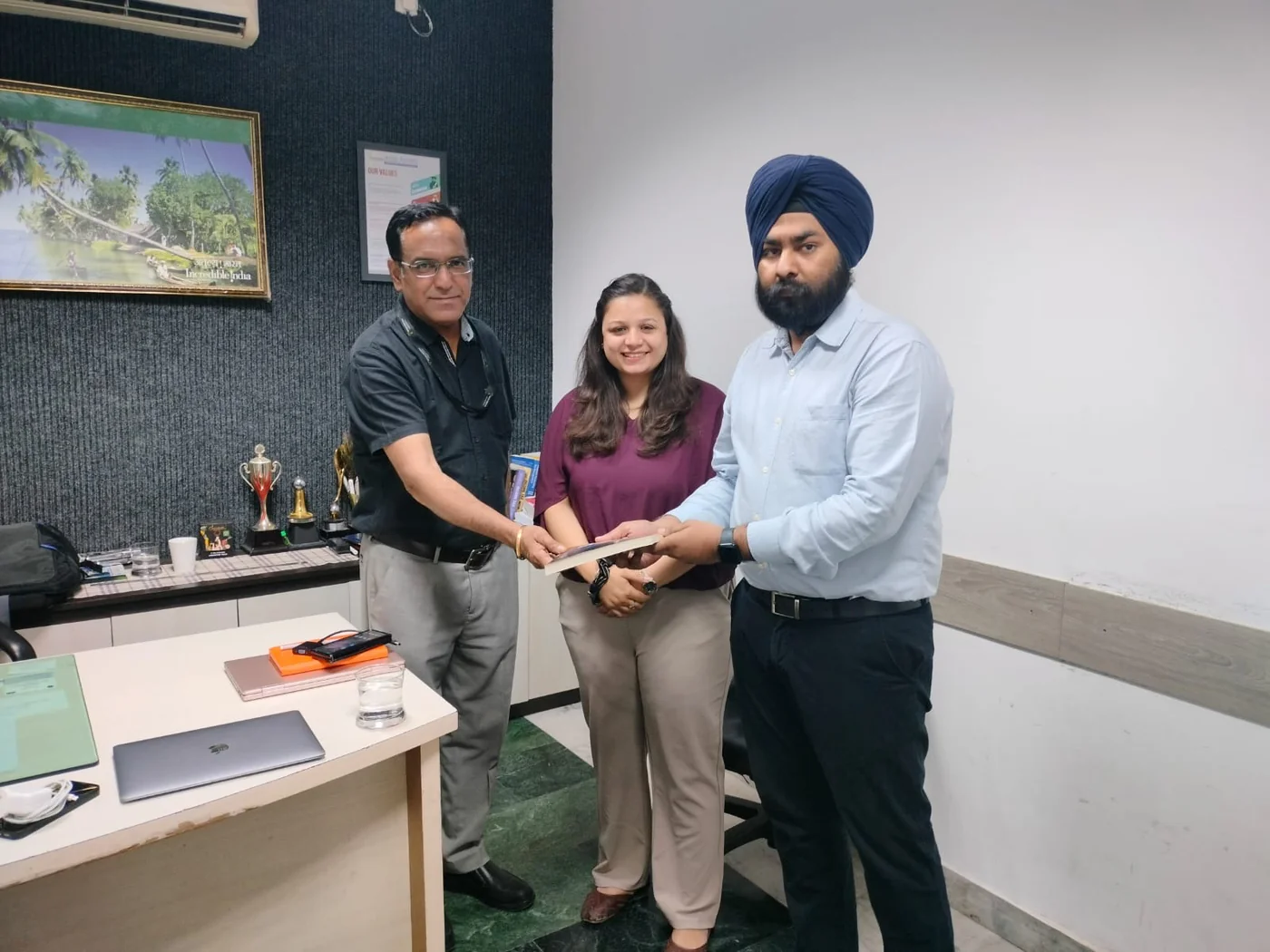
Classroom in Sector 81, or live online
Our centre is at Office No. D003, Ground Floor, Puri High Street, Sector 81, Faridabad, with parking and ground floor access. Learners join from Old Faridabad, NIT, Sector 15, Ballabgarh, Greater Faridabad and across Delhi NCR.
Online batches are live, not recorded: same trainer, same assignments, same review sessions. Recordings are there for revision.
Getting here
- Puri High Street, Sector 81, Greater Faridabad
- Easy from Ballabgarh, Neharpar and the Sector 80s
- Parking available, ground floor access
- Call before you visit: +91 8383891716
Canva Course fee
We share the fee on call or at your free demo class, after we understand your goal. Same fee for classroom and online.
- 5 modules and a capstone, with live classes
- 5 portfolio projects with trainer review
- Templates, notes and project files to keep
- Certificate of completion
- Placement and freelancing support
- Installment option, ask your counsellor for the plan
Fee shared on call or at the demo. Paid tool or API plans, if you choose any, are separate.
- Classroom or live online
- Weekday or weekend batch
- Installments available
Upcoming batches
Small batches fill quickly. Book a demo to hold your seat in the batch you want.
| Batch | Days | Mode | Next start date |
|---|---|---|---|
| Weekday | Monday to Friday | Classroom, Sector 81 | Ask on call or WhatsApp |
| Weekend | Saturday and Sunday | Classroom, Sector 81 | Ask on call or WhatsApp |
| Online live | Weekday or weekend | Live online | Ask on call or WhatsApp |
Call or WhatsApp +91 8383891716 for the next start date and timings.
Canva Course in Faridabad: common questions
What is the fee for the Canva Course in Faridabad?
We share the fee on call or at the free demo class. It is the same for classroom and online batches, and an installment option is available. Paid tool or API plans, if you choose any, are separate.
How long is the Canva course in Faridabad?
It is a short course with 5 modules and a capstone. Ask on call or at the demo for the current schedule.
Do I need Canva Pro?
No. Most lessons work on the free plan. We show what Pro adds.
Is this part of the Graphic Design course?
Yes. Canva is covered inside the Graphic Design course. This short course is for people who only want Canva skills.
Can I learn on my phone?
You can practise on the Canva app, but a laptop is better for most projects.
Will I be able to design for clients?
Yes, for social posts, flyers and presentations. For logos and branding, the Graphic Design course goes deeper.
Is Canva AI covered?
Yes. One module covers Canva AI tools and how to use them without losing quality.
Is the online batch live or recorded?
Live, with the same trainer, projects and reviews as the classroom batch. Recordings are available for revision.